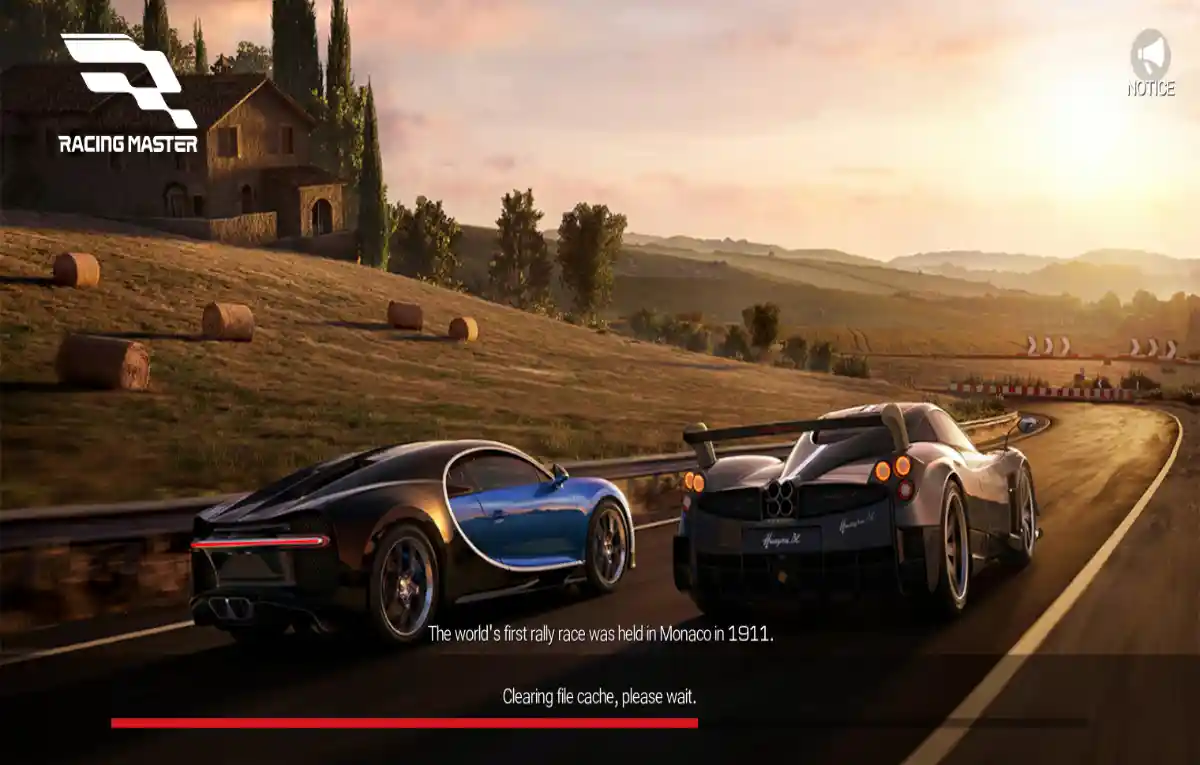
Racing Master SEA logo

Racing Master SEA Best Settings Guide

Rated 4.5/5 · 18k

Good settings are free performance. Racing Master SEA gives you control over graphics quality, frame rate, audio mix, and driving aids, and ten minutes spent tuning them pays off in every single race.

The right setup depends on your device. A flagship phone and a budget phone need different choices, and copying a professional player's settings blindly often makes a weaker device perform worse.

For context on the app as a whole, see Racing Master SEA official overview before working through the details below.
Graphics Settings That Matter

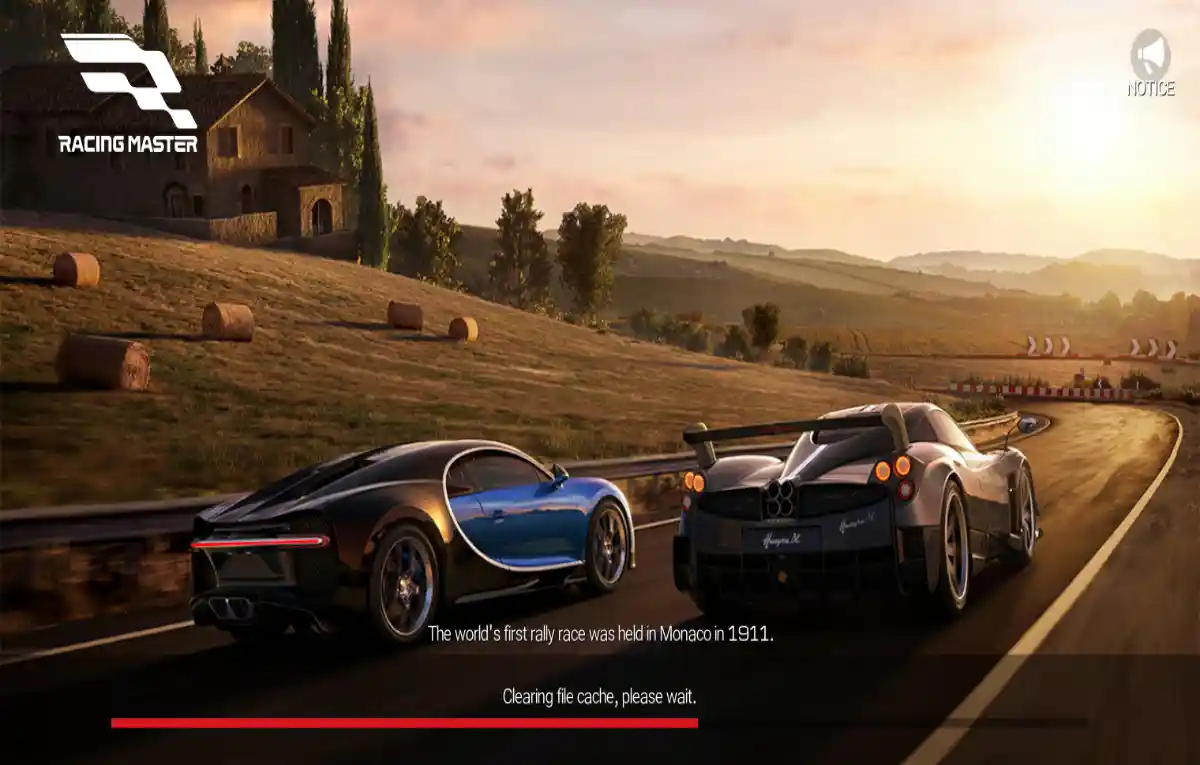
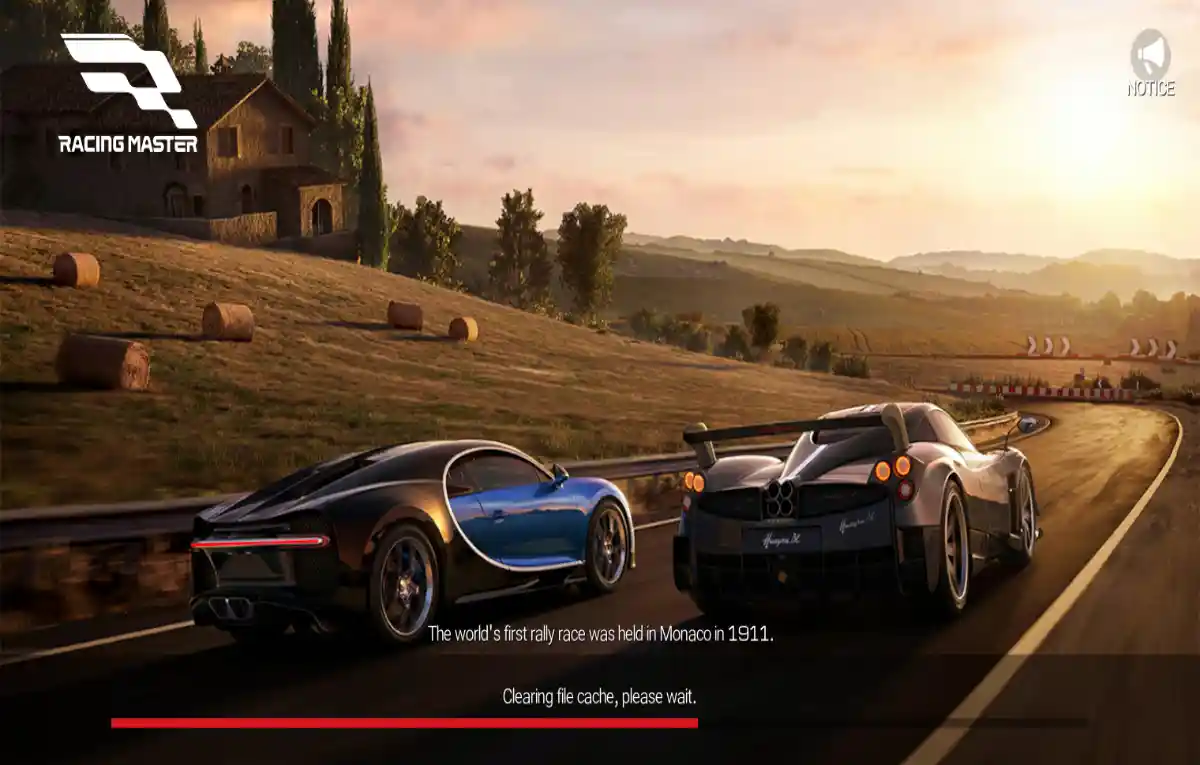
Frame rate is the setting that changes driving feel most. Higher frame rates show the car reacting sooner, which makes corrections smaller and braking points easier to judge. Choose the highest stable frame rate your phone can hold.

Texture and effect quality improve looks but cost performance. If your device heats up or the frame rate dips in traffic, reduce environmental effects and shadows before touching resolution.

  • Frame rate first
  • Reduce shadows and effects if hot
  • Stability beats maximum quality

Control and Assist Settings

Steering sensitivity decides how sharply the car responds to tilts or touches. Start at the default, then adjust in small steps during practice until the car feels calm on straights and willing in corners.

Assists such as braking help and traction support are training tools. Beginners gain confidence with them on, while experienced drivers usually turn them down gradually for finer control.

  • Adjust sensitivity in small steps
  • Use assists while learning
  • Reduce assists as skill grows

Audio Settings for Awareness

Engine and tyre sounds carry information: rising revs signal shift points, and tyre noise warns when grip is running out. Keep effects audio clear and music lower so those cues stay audible during races.

Playing with headphones on a phone reveals far more detail than small speakers. If you race competitively, a simple wired headset can genuinely improve your consistency. For a deeper look at a related topic, read the Racing Master SEA graphics guide.

  • Effects above music volume
  • Listen for tyre grip cues
  • Headphones improve awareness

Display and Comfort Settings

Brightness high enough to read dark track sections comfortably prevents missed braking markers at night or in tunnels. Many phones also offer a performance or game mode that limits background interruptions.

Turn on do-not-disturb while racing. A notification banner at the wrong moment covers the road exactly when you need it least, and one ruined race costs more than a delayed message. This connects closely with our Racing Master SEA controls guide, which covers the neighbouring ground in detail.

  • Readable brightness for night tracks
  • Enable game mode
  • Use do-not-disturb while racing

Saving Settings Per Device

After changing anything, run the same track twice and compare how the car feels rather than trusting the settings screen. Feel is the real test, and back-to-back laps expose differences clearly.

If you play on both a phone and a tablet or emulator, expect to keep separate mental notes for each. Screen size and input method change what good sensitivity feels like.

  • Test changes with back-to-back laps
  • One change at a time
  • Separate notes per device

Putting It Into Practice

Putting the advice into practice starts with one honest session. Pick a single idea from this guide, apply it in your next few races, and judge it by results rather than by feel alone. Racing Master SEA rewards drivers who test changes deliberately, because the driving model is consistent enough that real improvements show up quickly in your finishes.

Keep a tiny note of what you changed and what happened. Over a month those notes become a personal Racing Master SEA handbook that no generic guide can match, written in the only language that matters: what worked for your hands, your car, and your phone.

Finally, revisit the basics whenever a new update or a new car arrives. The fundamentals in this guide do not expire, but their details shift, and the drivers who re-check them adapt while everyone else wonders why their pace moved.

Keeping It Consistent

A simple checklist keeps this part of Racing Master SEA reliable. Before a session, confirm your settings and controls feel right. During the session, focus on one improvement at a time instead of five. After it, note the single biggest lesson while it is still fresh.

That rhythm sounds almost too simple, yet it is how consistent players separate themselves in Racing Master SEA. Talent decides individual corners; process decides whole seasons, and process is available to anyone willing to run a checklist.

Share what you learn with your club or friends who play. Explaining a technique out loud exposes the gaps in your own understanding, and their questions often point at the next thing worth practising.

Frequently Asked Questions

A stable, high frame rate. It improves reaction timing and steering consistency more than any visual upgrade, on every class of device.

No. Start with assists on, learn braking and lines, then reduce them one at a time. Removing everything at once usually slows learning.

Heat and background apps are the usual causes. Close other apps, remove a thick case while playing, and let the phone cool between long sessions.

Conclusion

The best Racing Master SEA settings are the ones matched to your phone and your hands. Frame rate first, sensible effects, calm steering, and clear audio form a setup that supports improvement instead of fighting it.

Change one setting at a time and test it properly. Within a week of deliberate tuning, most players find the car suddenly feels like it is finally doing what they ask.

Wei Jie Tan

Reviewed by Wei Jie Tan

Wei Jie Tan is our Racing Games Reviewer. He tests Racing Master SEA on real Android devices, covering driving physics, tuning, and multiplayer, before we publish any guide or download information.